Malware Removal Isn't a Scan. It's a Seven-Step Procedure Most Technicians Skip.
October 1, 2026
Rodney Hall, COO— AI-assisted and reviewed prior to publication.
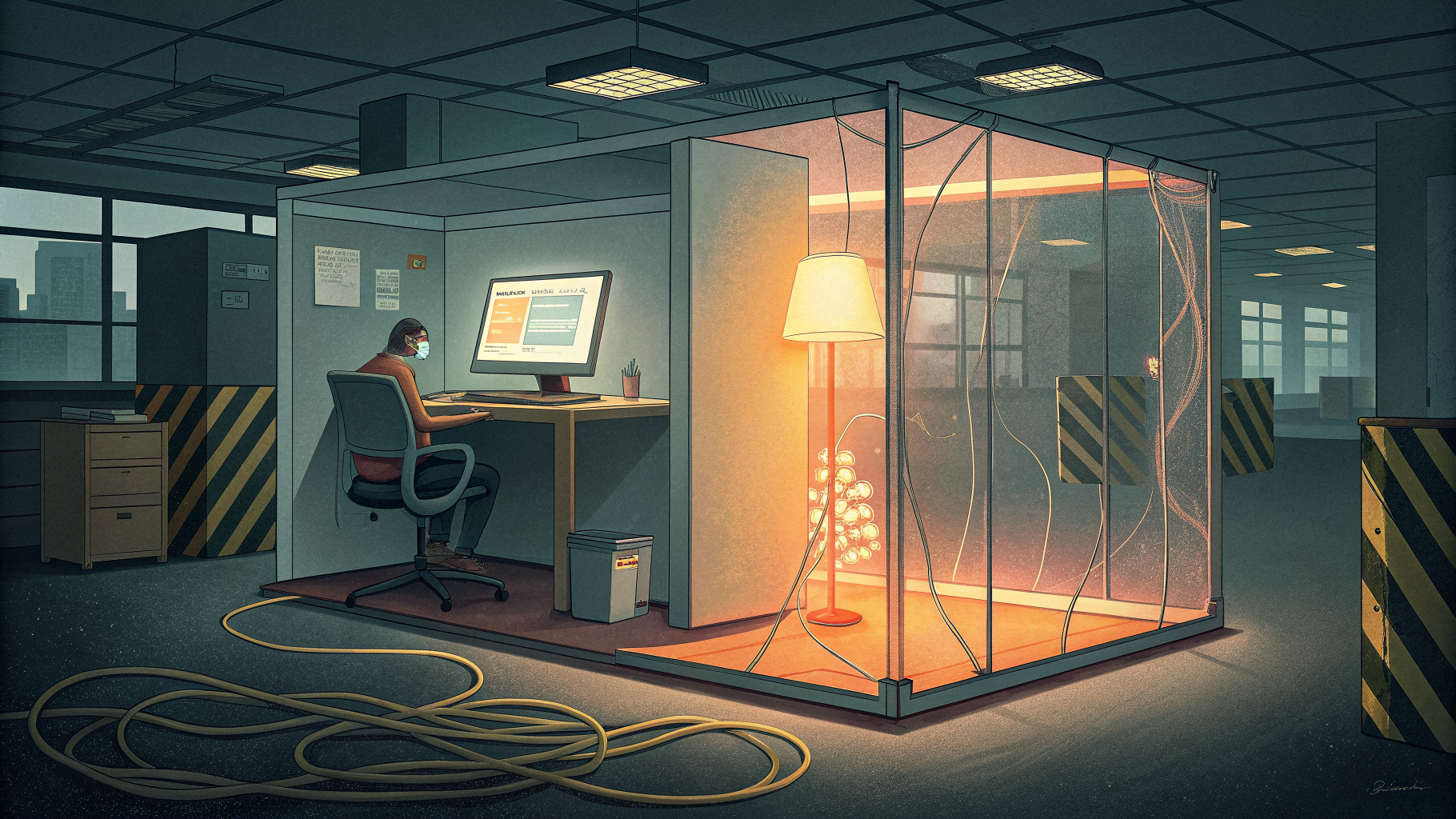
A machine that gets reinfected weeks after a "successful" malware removal almost never has a tooling problem. It has a procedure problem. Someone ran a scan, deleted what the scanner flagged, and closed the ticket, skipping the containment, restore-point, and verification steps that actually stop reinfection.
Why Does Malware Come Back After a Clean Scan?
Malware comes back after a clean scan because a single scan only addresses the file the antivirus engine recognized, not the restore points, scheduled tasks, or user behavior that let it in the first time. If Windows System Restore was never disabled during remediation, the malware can hide inside a saved restore point and reappear the next time that point gets used. If nobody investigated how the infection actually got onto the machine, the same phishing link or the same unpatched application will let it back in within days.
This is exactly why CompTIA's A+ Core 2 objectives don't treat malware removal as "run the scanner." They define it as a sequence, and the order matters as much as the individual steps. Skipping straight to remediation without quarantining the system first, for example, gives the malware a chance to spread to shared drives or other endpoints before you've even started cleaning the original host.
What Does the Full Removal Procedure Actually Look Like?
The full procedure treats each infection as an investigation, not a single click. The generally accepted sequence, reflected across CompTIA A+ Core 2 exam objective 3.3 study material, runs in this order:
- Investigate and verify the malware symptoms, confirming what's actually happening before you touch anything.
- Quarantine the infected system by disconnecting it from the network, so the infection can't spread while you work.
- Disable System Restore in Windows, because a saved restore point can preserve the infection and reintroduce it later.
- Remediate the infected system: update the anti-malware software and run scans, using safe mode or a preinstallation environment when the malware is blocking normal removal tools.
- Schedule follow-up scans and confirm updates are current, since one clean scan does not confirm the infection is fully gone.
- Re-enable System Restore and create a new, clean restore point once the system is verified clean.
- Educate the end user on what happened and how to avoid it, since most infections start with a human decision, not a technical flaw.
Notice that education is the last step, not an afterthought. A technician who removes the malware but never explains the phishing email or the pirated installer that caused it has fixed the symptom and left the cause in place. That gap is exactly what shows up six weeks later as a repeat ticket.
Does This Scale Beyond a Single Infected Laptop?
Yes, and the stakes get considerably higher once you're past a single endpoint. The same logic that governs a SOHO malware cleanup governs enterprise-scale incident response, just with more systems, more coordination, and far more money on the line. NIST's Guide to Malware Incident Prevention and Handling lays out threat mitigation capabilities built around the same core idea: contain first, then eradicate, then recover, rather than jumping straight to cleanup.
CISA's own ransomware response checklist follows the identical logic at scale, walking responders "through the response process from detection to containment and eradication" and warning them to move through the early containment steps before anything else. Organizations that skip scoping and containment in a ransomware event often find malware reappearing in a different subnet a week later, for the same reason a poorly cleaned laptop gets reinfected: nobody verified the infection was actually gone before declaring victory.
The financial gap between doing this right and doing it fast is not small. Purplesec's ransomware cost research puts the average recovery cost for a small business hit by a breach at $120,000 to $1.24 million, a range that widens dramatically depending on whether the organization had a tested recovery process or was improvising one during the incident. And recovery itself is getting less reliable, not more. Sophos's 2025 ransomware research found that only 54 percent of affected organizations used backups to restore their data, the lowest rate the survey has recorded in six years, based on Sophos's State of Ransomware 2025 findings. Fewer working backups means the cost of a botched or incomplete removal procedure keeps climbing.
Where the Procedure Actually Breaks Down
Most breakdowns happen at two points: skipping quarantine because the user needs their machine "for one more email," and skipping the post-remediation scan because the first scan came back clean. Both shortcuts feel harmless in the moment and both are how reinfections happen. A technician working from muscle memory rather than a verified checklist will take the shortcut nearly every time under ticket-queue pressure.
This is also where the difference between "I ran antivirus" and "I followed the procedure" becomes a documentation and accountability issue, not just a technical one. In regulated environments, an auditor or insurer asking how a malware incident was handled wants to see that containment happened before remediation, not a note that says the scan came back clean. If you want a study plan built around building that kind of documented, defensible process from the ground up, you can start training whenever you're ready.
Is Formal Certification Worth It, or Can You Just Follow a Checklist?
A checklist helps, but certification proves you can apply the sequence correctly under pressure, with an unfamiliar variant, on a system you don't fully control yet. That distinction matters to employers because most real infections don't match the tidy example in a training slide. The malware might block your anti-malware software from updating, forcing you to build a bootable removal disc on a separate machine, a scenario the CompTIA A+ Core 2 exam objectives explicitly test because it happens often enough in the field to matter.
Forge University's CompTIA A+ Core 2 certification prep walks through this exact sequence, along with the broader operating-system and security troubleshooting scenarios that come with day-to-day desktop support. It's the credential that tells an employer you won't stop at "the scan came back clean." If you're not sure which certification path fits your current role, the Forge University resources page breaks down how the entry-level security and IT tracks connect, including where malware handling shows up again later in CySA+ and incident-response-focused certifications.
The procedure itself is not complicated. Seven steps, done in order, with the education step actually delivered instead of skipped. What separates a technician who can recite that sequence from one who applies it consistently on a busy Tuesday is training that treats the order as non-negotiable, not optional guidance you get to when there's time.