One Authentication Bug Took Down Six Microsoft 365 Tools. Here's What That Says About Your Identity Architecture
October 12, 2026
Rodney Hall, COO— AI-assisted and reviewed prior to publication.
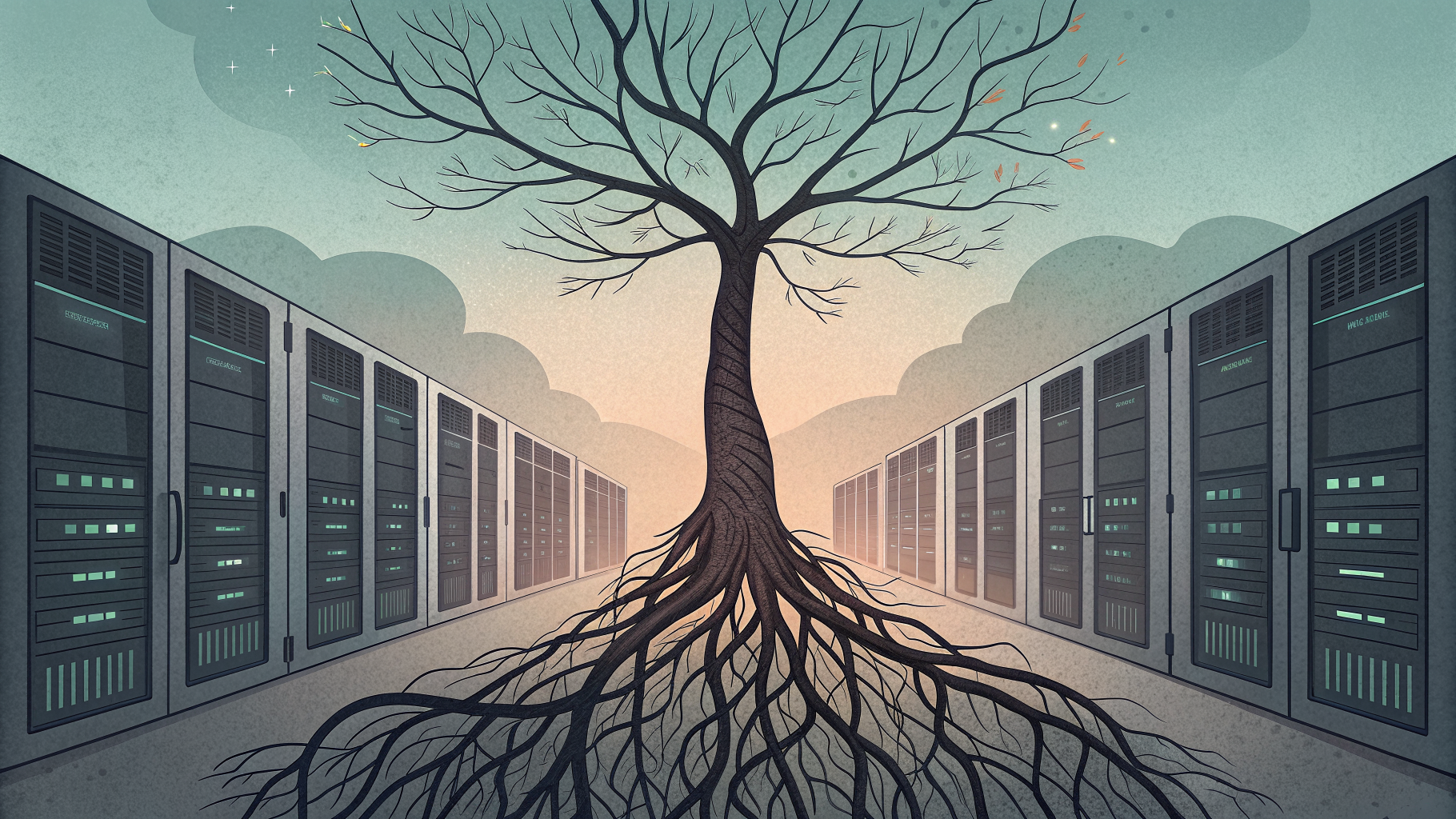
When a single authentication configuration inside Exchange Online broke on August 31, it did not just knock out email. It took Teams, SharePoint, OneDrive, Purview, Copilot, and the admin center down with it, because all of them checked identity through the same failing path. The lesson for anyone who designs or manages identity systems is direct: authentication is not a feature you bolt onto an application, it is the dependency every other feature quietly relies on.
What actually happened during the Microsoft 365 outage
For roughly 48 hours starting August 31, Defender XDR went down alongside Teams, SharePoint, OneDrive, Purview, Copilot and the admin center, all cascading from one failure in a core authentication configuration inside Exchange Online. Microsoft's own updates confirmed the shared root cause, blaming the outage on core authentication configuration issues used by multiple internal services within the Exchange Online infrastructure.
Notice what is missing from that list of failure causes: an attacker. This was not a breach. It was a configuration problem in the layer every other service trusted to answer one question correctly, is this user who they say they are. When that layer stumbled, it did not degrade gracefully. It took a security monitoring tool, a productivity suite, a compliance platform, and a collaboration tool down together, because none of them had an independent way to verify identity when the primary path failed.
This was not an isolated event either. Roughly three months later, Microsoft again logged a significant incident in which impact was specific to users located in the Asia Pacific and North America regions attempting to connect to their Exchange Online mailbox using the classic Outlook experience. Two authentication-related disruptions in a single quarter is not noise, it is a pattern worth planning around rather than hoping away.
Why does a login failure cascade across so many unrelated tools?
It cascades because modern productivity and security platforms are built on shared identity infrastructure by design, not by accident. Centralizing authentication is what makes single sign-on, conditional access, and unified compliance policy possible in the first place. The tradeoff is that the component doing the most work for you is also the component whose failure has the widest blast radius.
This is exactly the tradeoff NIST's Systems Security Engineering guidance for cyber resiliency asks engineers to reason about explicitly, rather than assume away. A resilient system is not one that never fails. It is one built to anticipate a failure in a critical dependency, withstand it without total loss of function, and recover without depending on the same failed component to authorize the recovery. Most organizations discover, only after an outage, that they never built a path around their primary identity provider at all.
How do you design identity systems that survive their own outages
You design for it the same way you design for any other single point of failure: by assuming the primary path will fail and building a verified secondary one before you need it, not during the incident. Microsoft's own guidance on hybrid identity gives administrators a working example of this in practice. Staged rollout is a great way to test users' migration from federation to cloud authentication, letting a subset of users run on an alternate authentication path before the whole tenant depends on it.
Microsoft has also started shipping tooling that treats identity configuration itself as something that needs backup and recovery, not just uptime monitoring. The newer Entra Backup and Recovery capability exists precisely because, as Microsoft frames it, if our identity data, the "brain" of our Microsoft 365 and Azure ecosystem, is compromised or corrupted, everything downstream is affected. That is a vendor acknowledging, in its own product documentation, that identity configuration errors are now a first-class operational risk category, not an edge case.
The other structural safeguard, and the one most audits find missing or poorly maintained, is emergency access. Microsoft's guidance is explicit that administrators should exclude emergency access accounts from Conditional Access policies that block or restrict sign-in, so a bad policy push or an authentication outage does not lock every administrator out of the tenant at the same moment it needs fixing. A break-glass account that itself depends on the broken authentication path is not a safeguard, it is a false sense of one.
What this means for the identity and access role on your team
Someone on your team needs to own three specific decisions before the next outage, not during it: which services fail open versus fail closed when authentication is unavailable, which accounts can still reach the admin console when the primary identity path is down, and how policy changes to the identity layer get tested before they reach production. These are architecture and governance questions, not incident response questions, which is exactly why they get missed. The team that responds well to an outage and the team that prevents one from cascading are not always the same team, and the second one needs training that goes beyond knowing where the panic button is.
This is the specific ground covered in identity and access administration, which treats conditional access, hybrid authentication, staged rollout, and emergency access design as core job functions rather than optional hardening. Forge University's Identity and Access Administrator training walks through exactly these scenarios, including how to build the kind of layered authentication design that keeps one configuration error from becoming a six-service outage. If you want to see how that maps against the broader identity and security curriculum before committing, the certification resources overview breaks down what each track actually covers and how they fit together.
A short list of what a resilient identity design actually requires
Not every organization needs the same architecture, but a few elements show up consistently in designs that survive an authentication failure rather than amplify it:
- At least one emergency access account excluded from every Conditional Access policy, with credentials stored offline and rotated on a schedule someone actually tracks.
- A tested secondary authentication path, whether that is staged rollout to cloud authentication, a federated backup, or a documented manual fallback for critical services.
- Regular recovery drills against identity configuration itself, not just against data backups, since a misapplied policy can be as disruptive as a hardware failure.
- Clear internal documentation of which downstream services fail open and which fail closed when the primary identity provider is unreachable.
None of this is exotic. Most of it is a few hours of configuration and a written runbook. The reason it does not happen at most organizations is that nobody owns it explicitly until an outage forces the question. If you want a study plan that covers this ground systematically rather than piecing it together after an incident, you can start training toward the identity and access credentials that make this your job to own, not your job to improvise.
The accountability question this outage puts on your desk
The uncomfortable part of a shared-identity outage is that it exposes exactly who has, and has not, thought about failure modes above the application layer. Two multi-service disruptions tracing back to authentication configuration in one quarter is evidence that this is a recurring operational risk, not a one-time bug. Treating identity architecture as a resilience problem, with tested fallbacks and emergency access that actually works when it is needed, is the difference between a bad afternoon and a two-day outage that takes your security monitoring down at the exact moment you need it most.